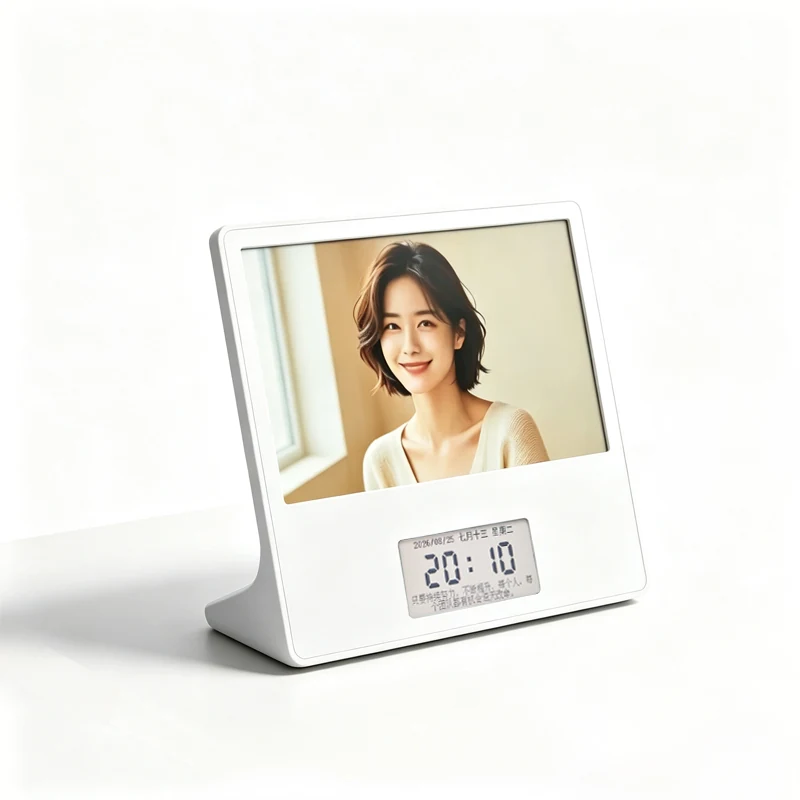
Dual-screen calendar frame
Canvas Calendar 7.5
AES-0750V
Sample / project quotationReception desks, office accessories and corporate gifts
1024 × 600 + 296 × 128 · ~158 ppi
View specifications Explore 13 sizes from 1.54 to 40.5 inches: dual-screen calendars, finished frames, OEM inserts, project displays, meeting desk signs, Bluetooth tags and display components. Confirm the supply scope and availability of each configuration.
16 configurations
AES-0750V
Sample / project quotationReception desks, office accessories and corporate gifts
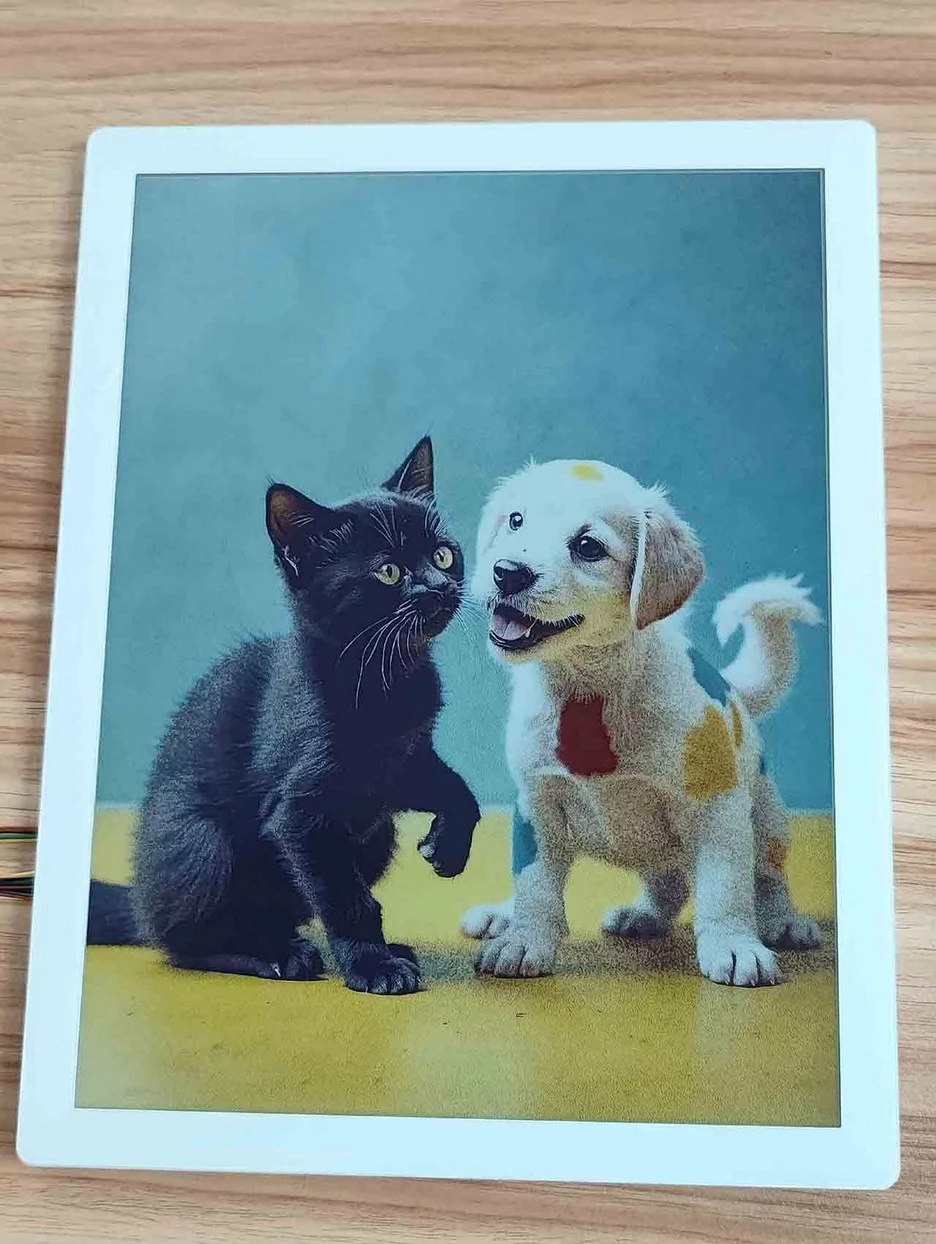
AES-1330CNC
Sample / project quotationArt displays, branded spaces and small pilot deployments
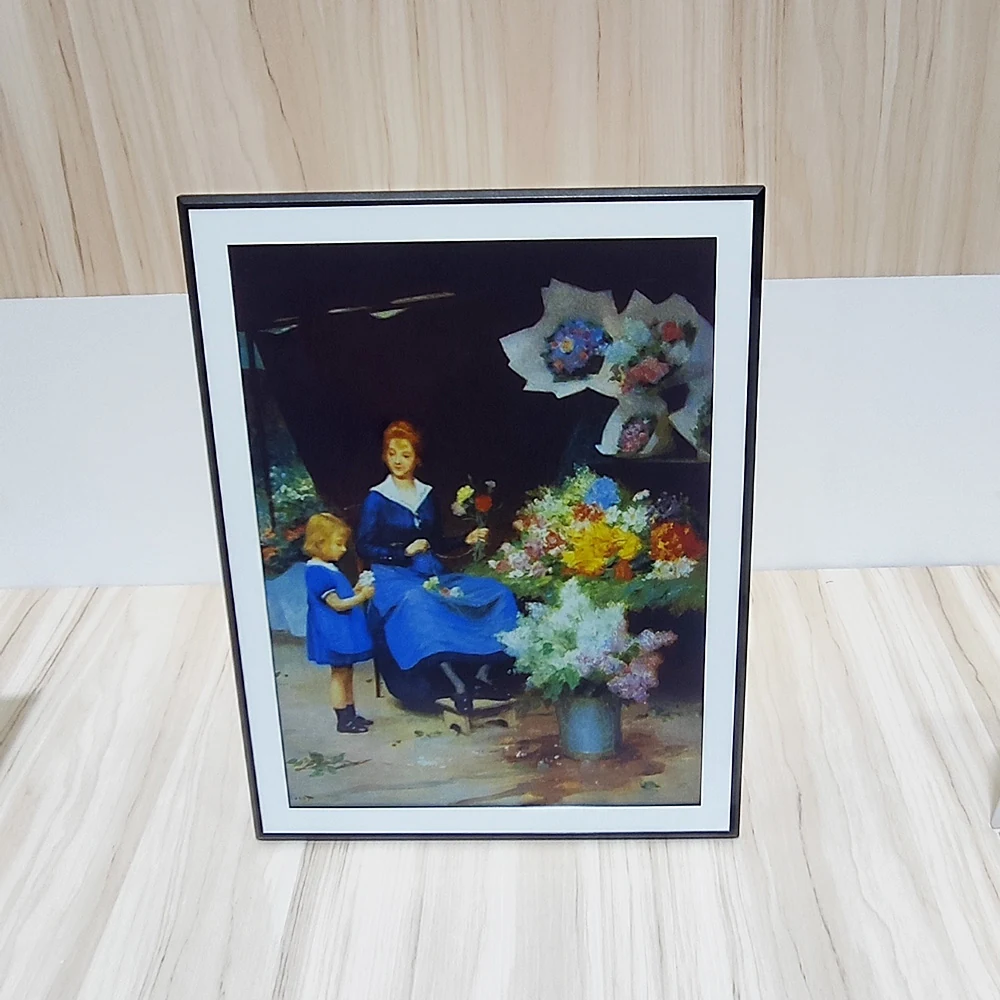
AES-1330V
Sample / project quotationFrame brands, OEM programs and custom enclosures
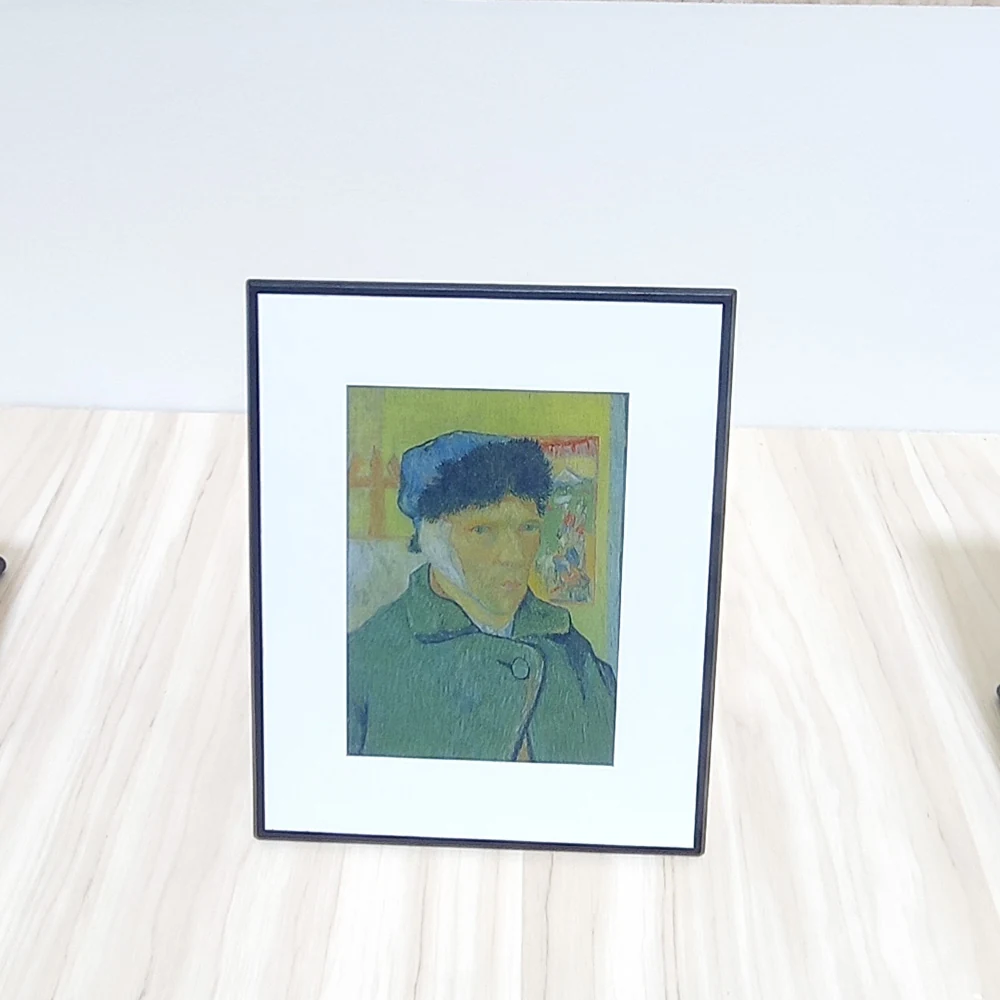
AES-0709V
DVT engineering sampleHigh-detail desk displays and OEM frame evaluation
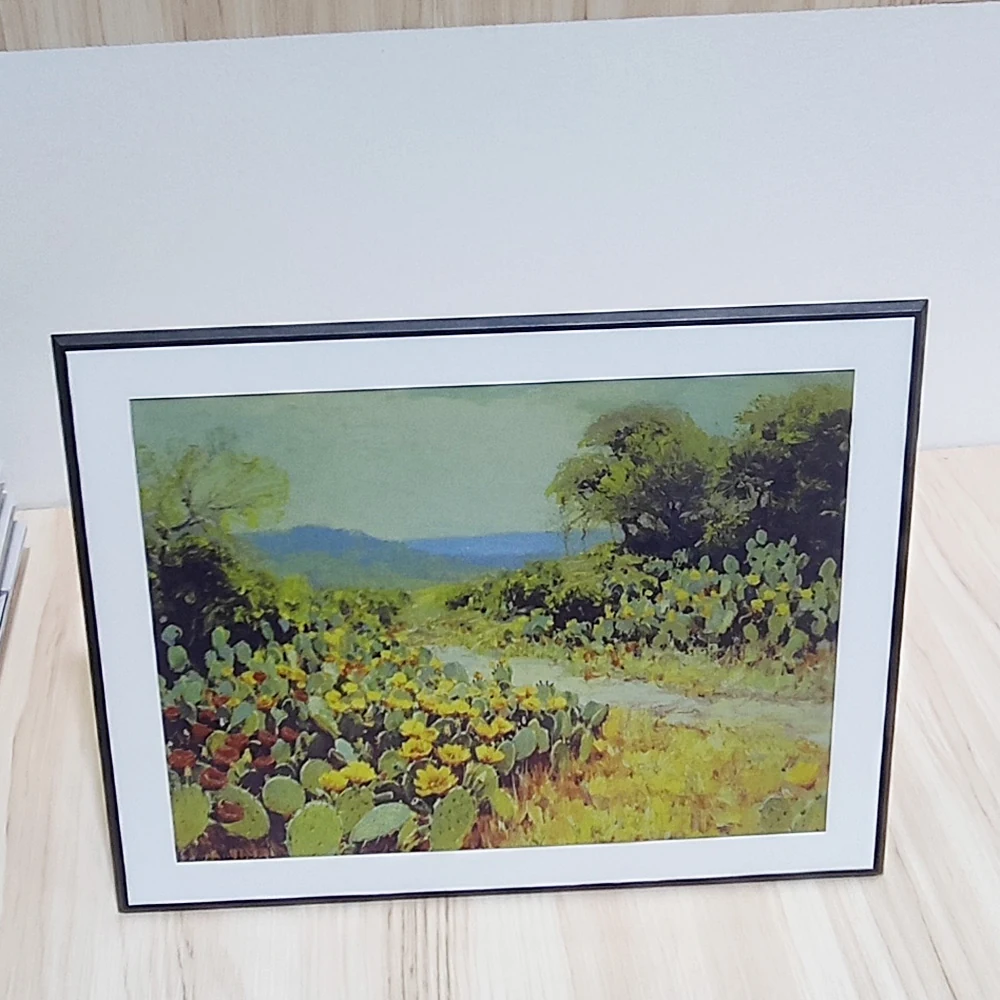
AES-1010V
Production configurationBranded frames and slim desktop displays
AES-0730V
Configuration reviewCompact custom frames and hardware evaluation
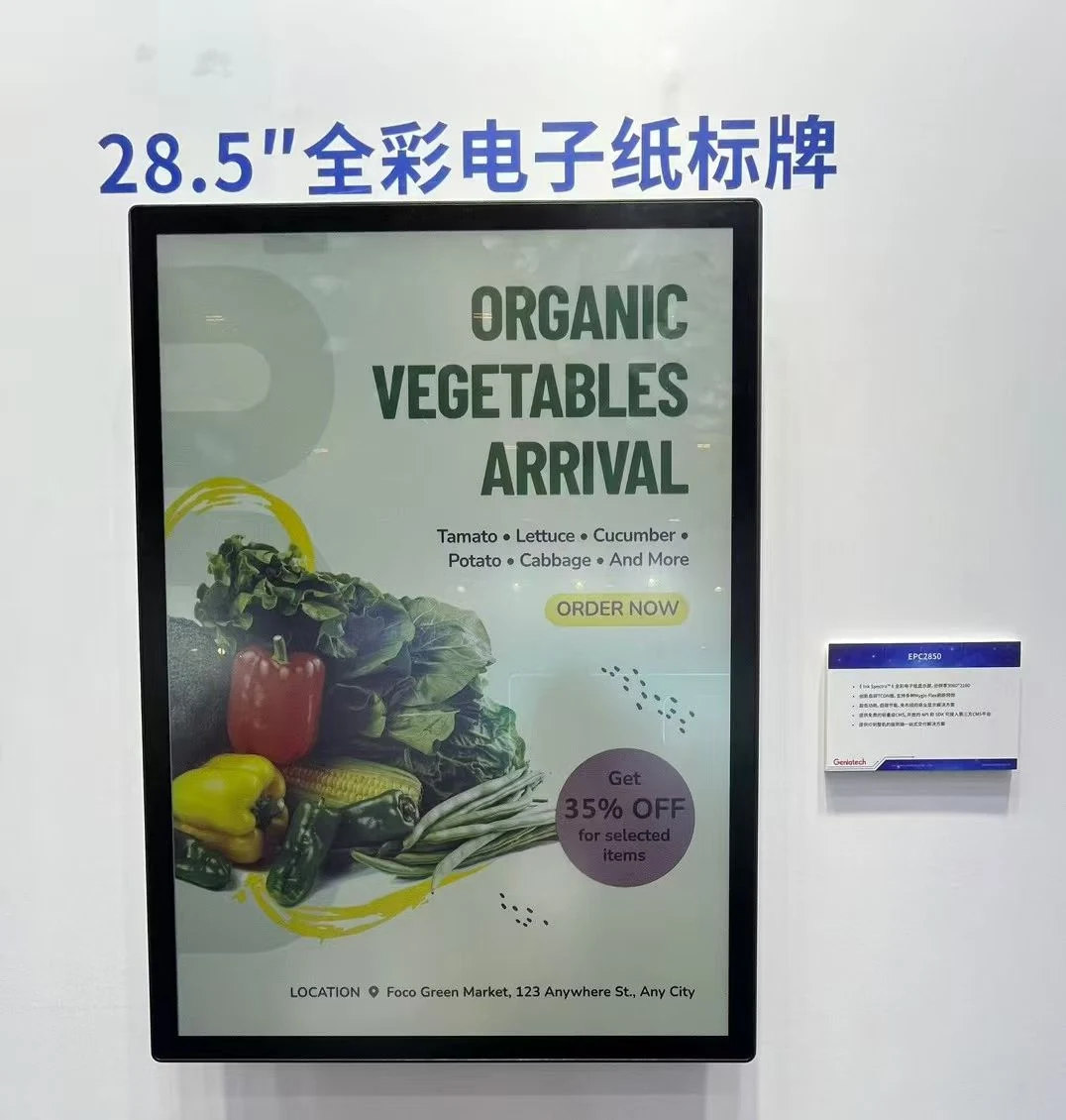
AES-2850V
Sample / project quotationHotel lobbies, gallery information and A2 retail posters
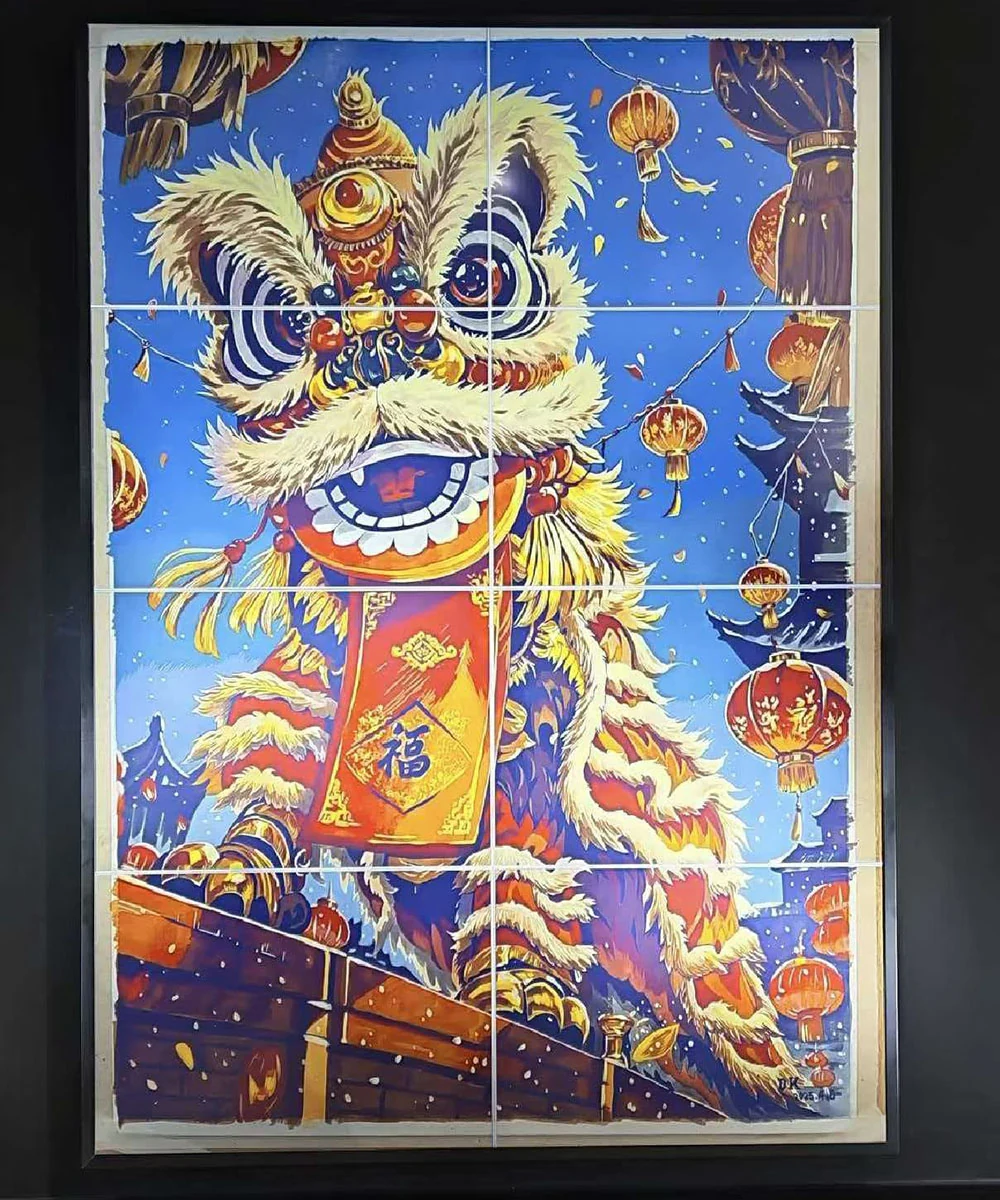
AES-3150V
Sample / project quotationLandscape information boards, retail and branded interiors
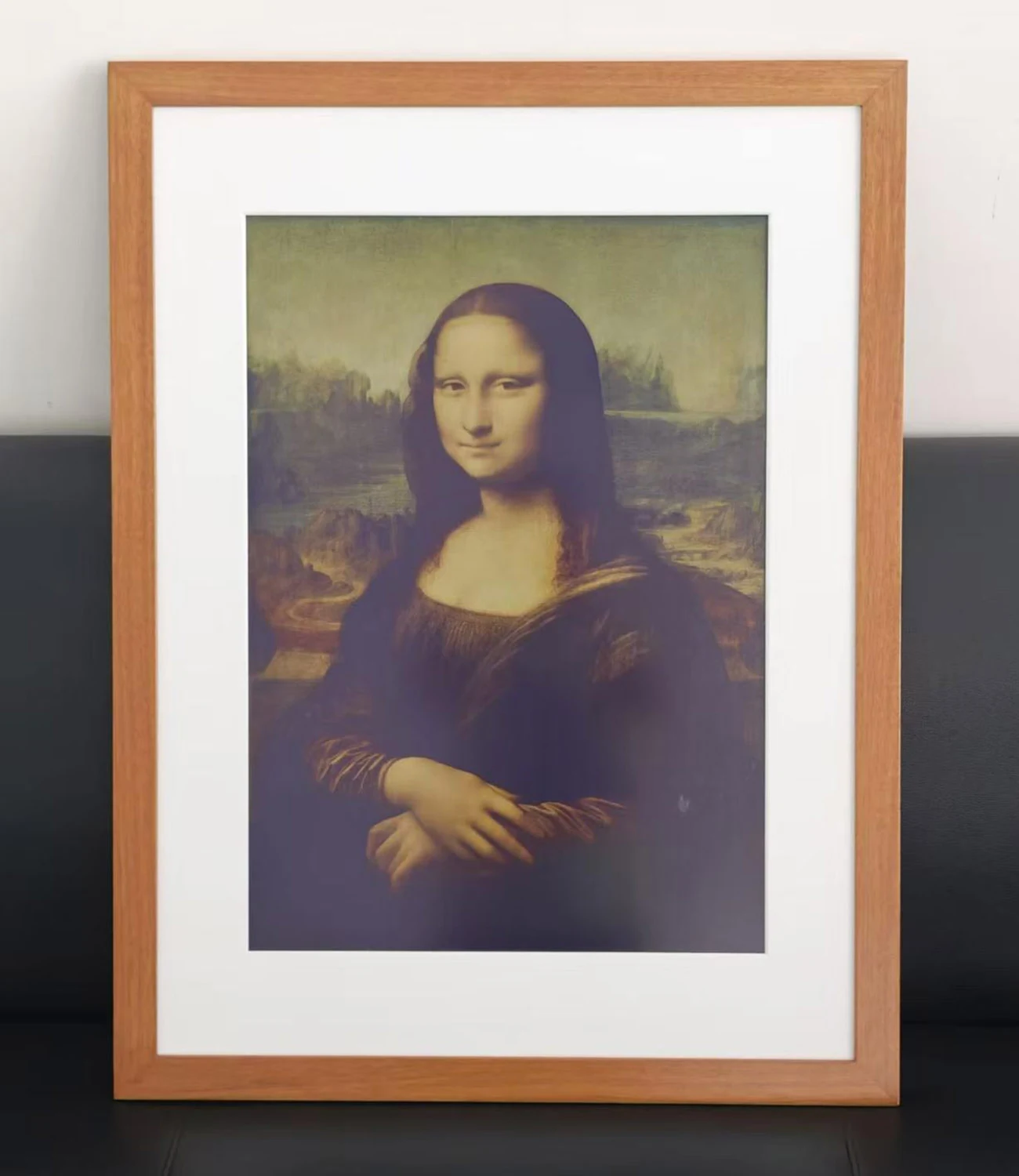
AES-2020V
Sample; batch timing to confirmA3 posters, reception areas and commercial information
AES-4050V
Project quotationA1 posters, reception areas and commercial information
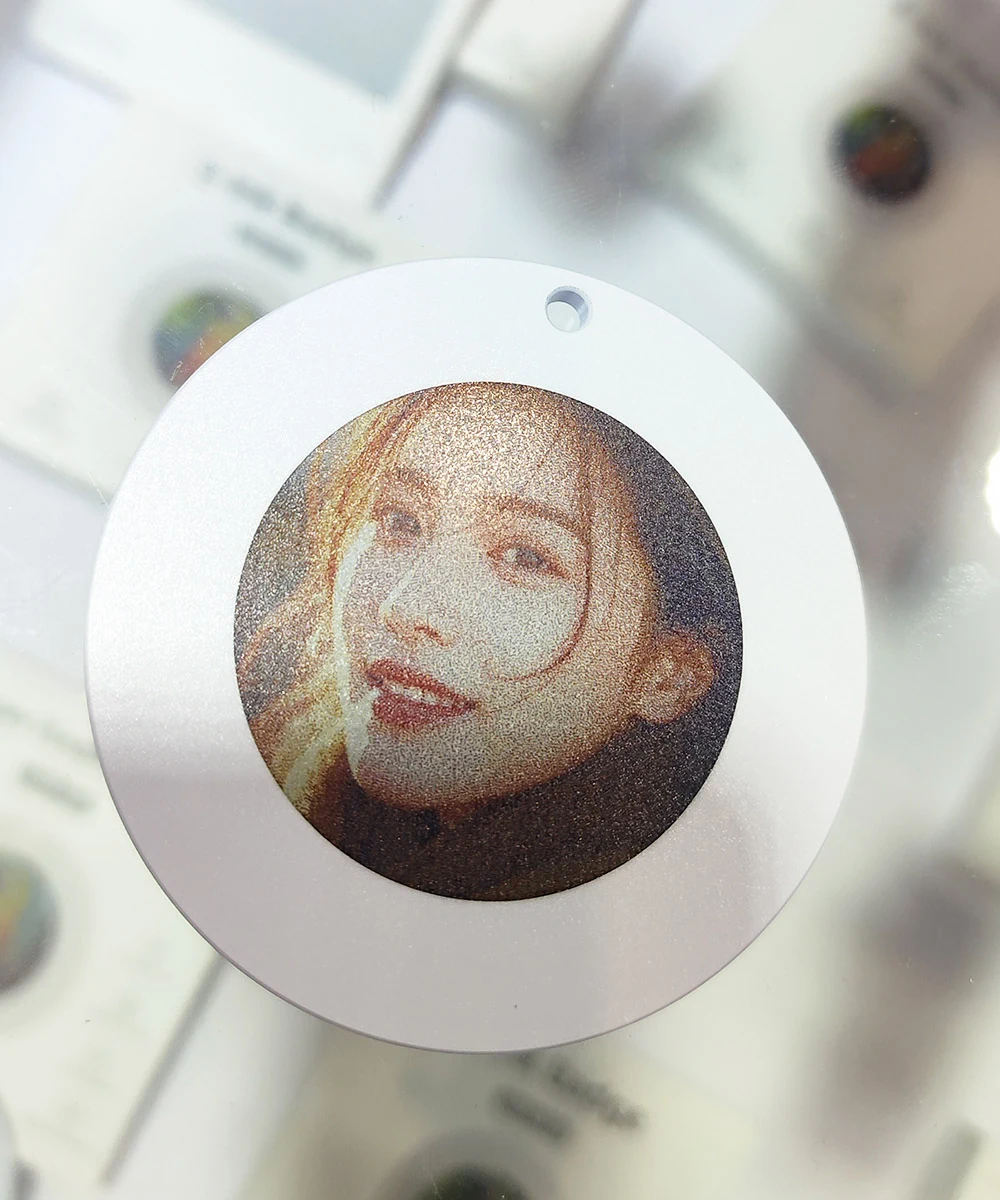
AES-0169V
Sample / project quotationEvents, staff pins and brand accessories
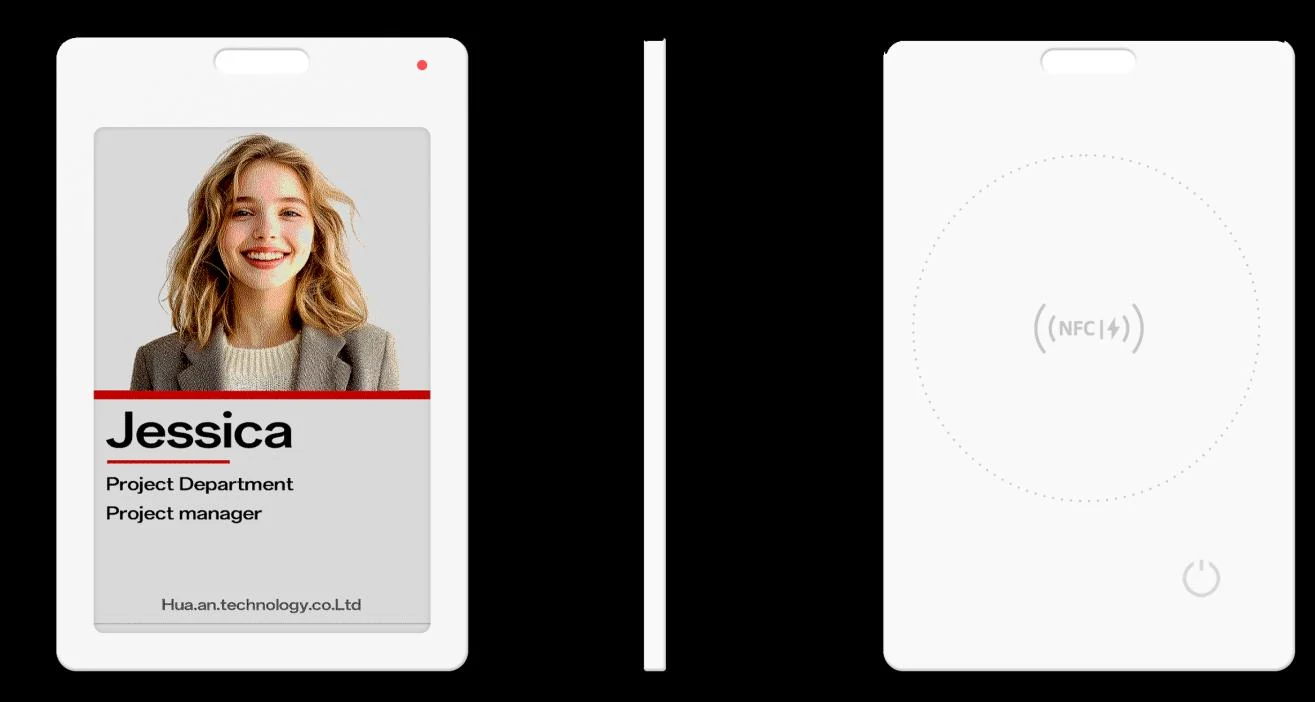
AES-0370V
Sample / project quotationStaff badges, events and magnetic information tiles
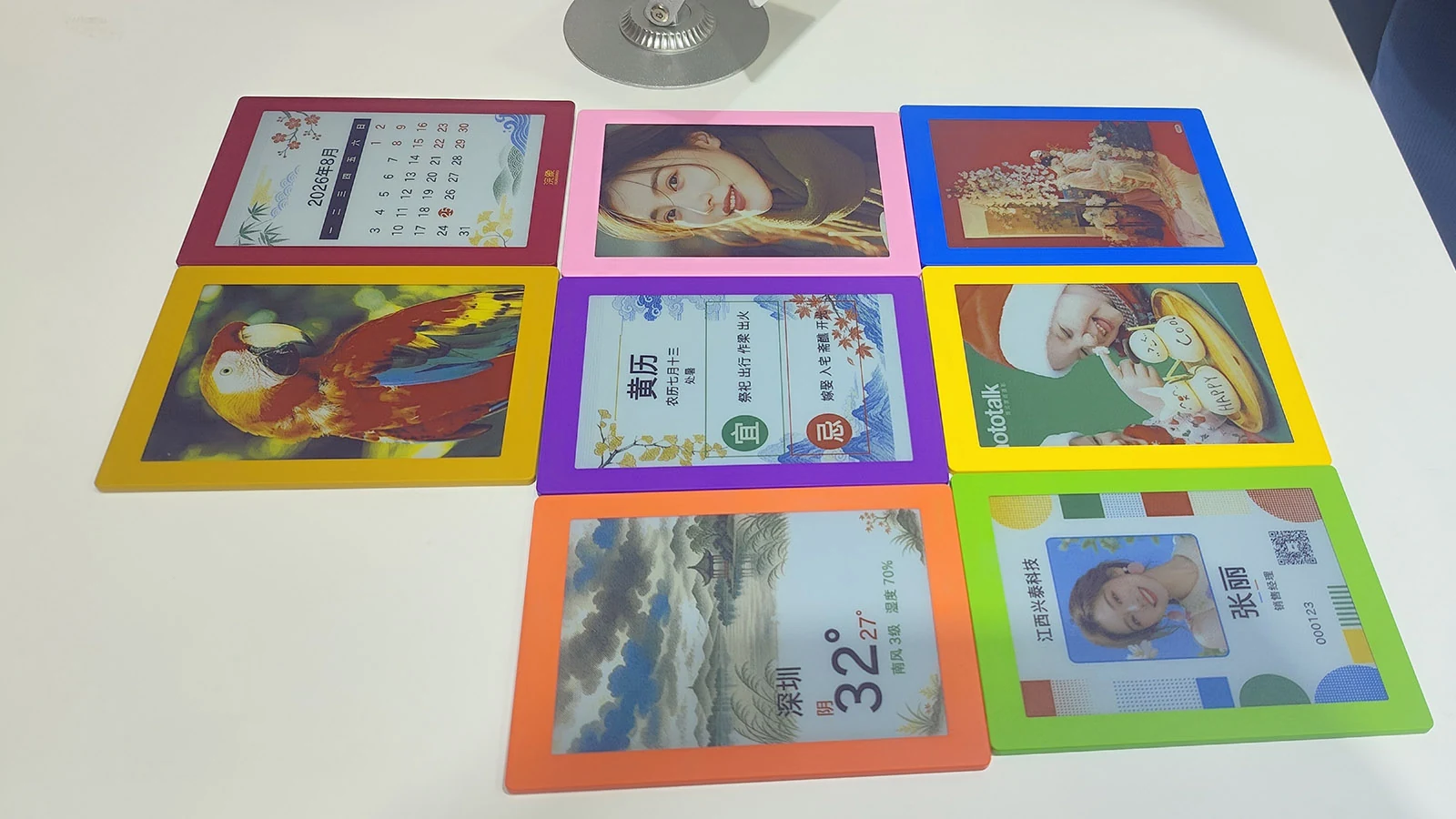
AES-0589V
Sample schedule to confirmMagnetic photo tiles, door signs and small displays
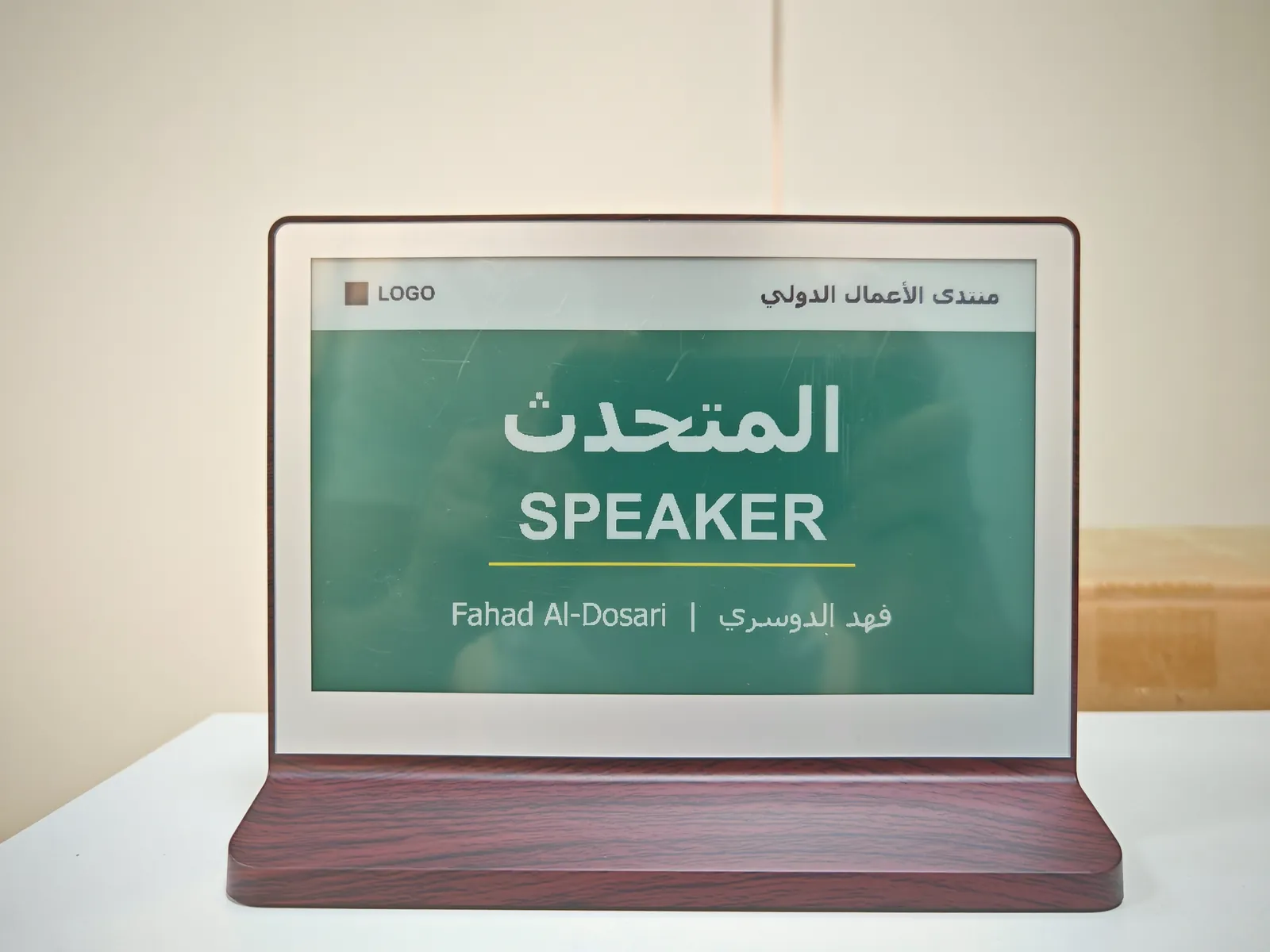
AES-0730D6
Sample / project quotationBoard meetings, signing ceremonies, conferences and VIP tables
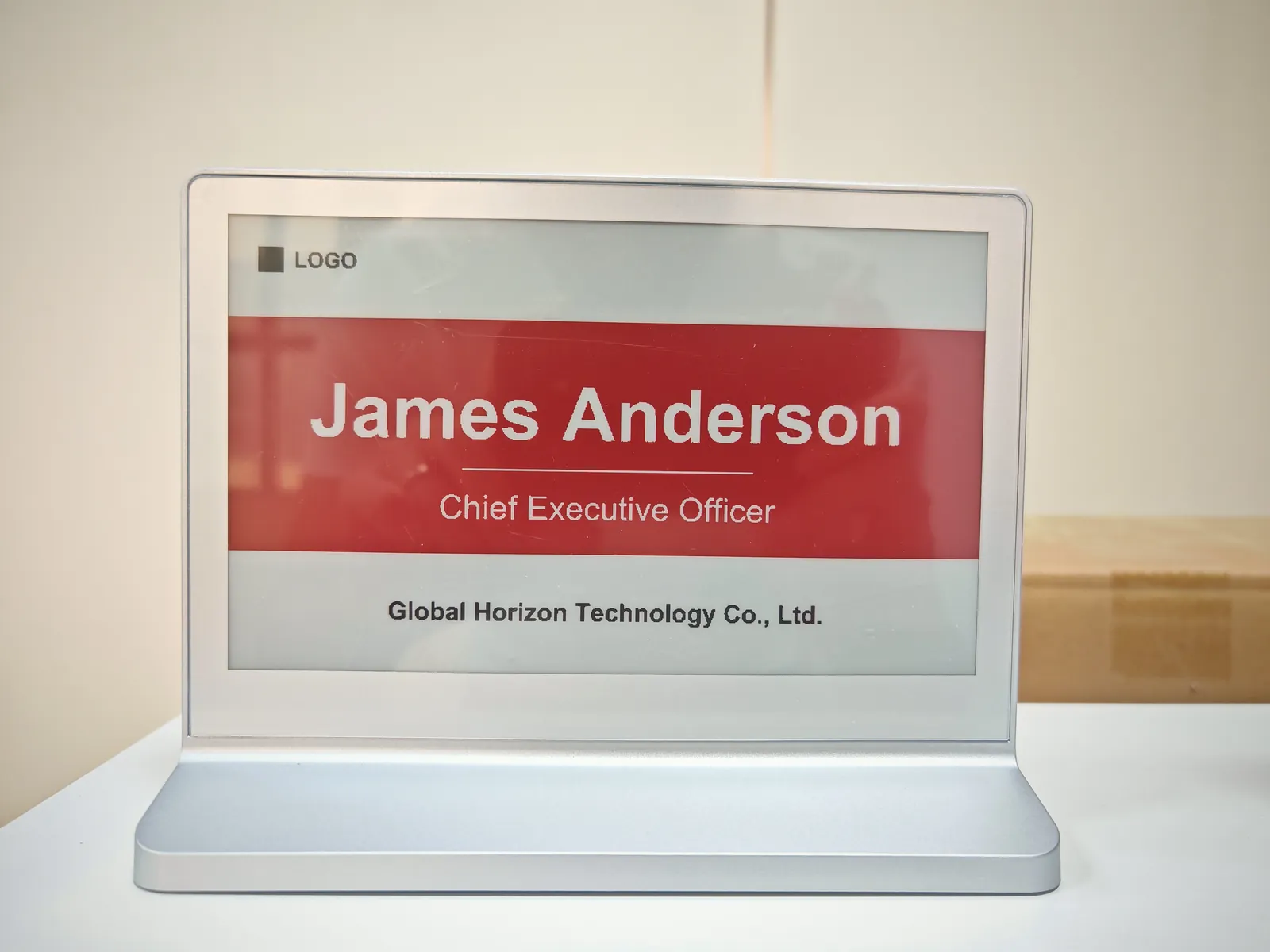
AES-0750D4
Sample / project quotationMeeting rooms, training sessions, events and name cards
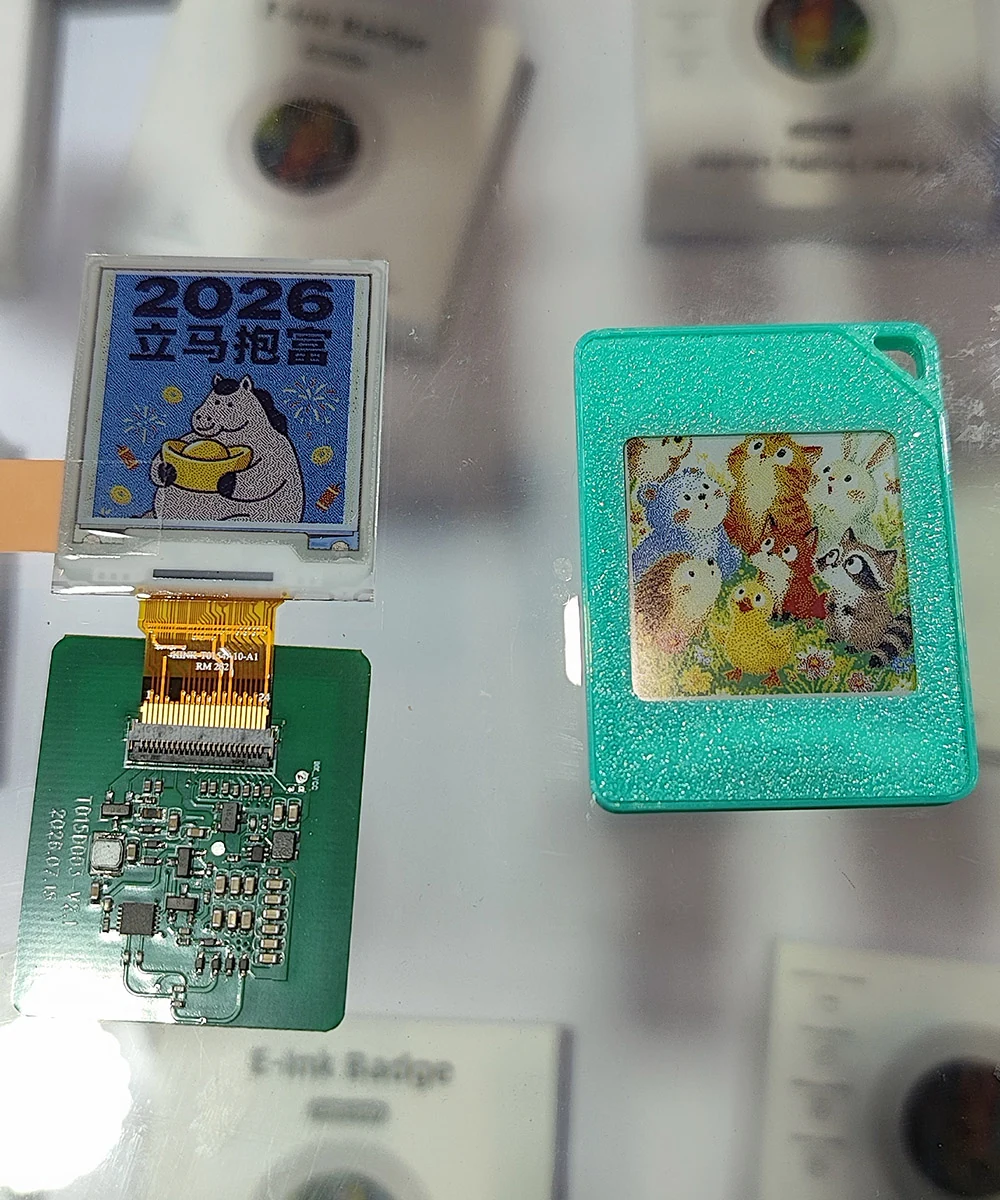
AES-0154V
Specification confirmationWearables, IoT and custom small displays
A1, A2 and A3 Spectra 6 open-cell panels with matching TCON for frame makers and display integrators. Enclosure, host controller, power and software are separate.
A finished frame, an OEM insert and a bare panel solve different problems. Compare like-for-like before requesting a quotation.
| Model | Supply form | Display | Power | Next step |
|---|---|---|---|---|
| Canvas Calendar 7.5AES-0750V | Dual-screen calendar frame | 1024 × 600 + 296 × 128 ~158 ppi · 128:75 + 37:16 | 1,500 mAh; USB-C, 5 V / 1 A charging | Sample quote |
| Canvas 13.3 CNCAES-1330CNC | Finished frame | 1600 × 1200 150 ppi · 4:3 / 3:4 | 5,000 mAh rechargeable battery; 10,000 mAh option | Sample quote |
| Canvas 13.3 InsertAES-1330V | OEM frame insert | 1600 × 1200 150 ppi · 4:3 / 3:4 | 5,000 mAh rechargeable battery; 10,000 mAh option | Sample quote |
| Canvas 7.09 InsertAES-0709V | Engineering frame insert | 1200 × 1600 282 ppi · 3:4 | 5,000 mAh rechargeable battery; USB-C | Sample quote |
| Canvas 10.1 InsertAES-1010V | OEM frame insert | 1600 × 1200 200 ppi · 4:3 | 5,000 mAh rechargeable battery; USB-C | Sample quote |
| Canvas 7.3AES-0730V | Configuration-led frame project | 800 × 480 Pixel density to confirm · 5:3 | Battery and charging configuration to confirm | Sample quote |
| Canvas A2 · 28.5AES-2850V | A2-format project display | 2160 × 3060 131 ppi · 1:√2 | External battery pack or mains, by configuration | Project quote |
| Canvas 31.5AES-3150V | 16:9 project display | 2560 × 1440 93 ppi · 16:9 | External battery pack or mains, by configuration | Project quote |
| Canvas A3 · 20.2AES-2020V | A3-format project display | 1530 × 2160 131 ppi · 1:√2 | External battery pack or mains, by configuration | Project quote |
| Canvas A1 · 40.5AES-4050V | A1-format project display | 3060 × 4320 131 ppi · 1:√2 | External battery pack or mains, by configuration | Project quote |
| Canvas 1.69 RoundAES-0169V | Bluetooth round badge | 400 × 400 236 ppi · Round | 100 mAh rechargeable battery; Qi charging | Sample quote |
| Canvas 3.7 Badge / MagnetAES-0370V | Bluetooth badge / magnetic tag | 480 × 720 236 ppi · 2:3 | 100 mAh rechargeable battery; Qi charging | Sample quote |
| Canvas 5.89 TagAES-0589V | Bluetooth magnetic tag | 960 × 680 199 ppi · 24:17 | 350 mAh rechargeable battery; Qi charging | Sample quote |
| Canvas Desk Sign 7.3 · 6-ColorAES-0730D6 | Double-sided meeting desk sign | 800 × 480 125 ppi · 5:3 | 2,000 mAh built-in battery; USB-C charging. Up to 12 months per charge in supplier lab tests at two refreshes a day | Sample quote |
| Canvas Desk Sign 7.5 · 4-ColorAES-0750D4 | Double-sided meeting desk sign | 800 × 480 125 ppi · 5:3 | 2,000 mAh built-in battery; USB-C charging. Up to 12 months per charge in supplier lab tests at two refreshes a day | Sample quote |
| Canvas 1.54 ModuleAES-0154V | Display component only | To confirm Pixel density to confirm · 1:1 | Customer-designed power and driver electronics | Project quote |
Evaluate your own artwork on a sample and confirm the delivered firmware before scaling a deployment.
The 13.3-inch configurations support Wi-Fi image push and TF-card import of JPG, BMP and PNG files. Ask for a demonstration of the chosen firmware.
CMS, scheduled updates, device groups and API/SDK integration are scoped by model and project. Only demonstrated and agreed functions are included in delivery.
Expanded content-generation and licensed-library workflows are under development. They are not required to evaluate the display hardware.
Model, supply form, artwork and installation.
Sample quote, display quality and update workflow.
Quantity, software, warranty and delivery scope.
Confirm production and shipping before rollout.
A retained image does not need continuous panel power. The controller and wireless connection can still consume power. Battery runtime depends on firmware, refresh frequency and connectivity. Confirm current certification, warranty and software scope for the ordered configuration.
Tell us your use case, quantity and destination.