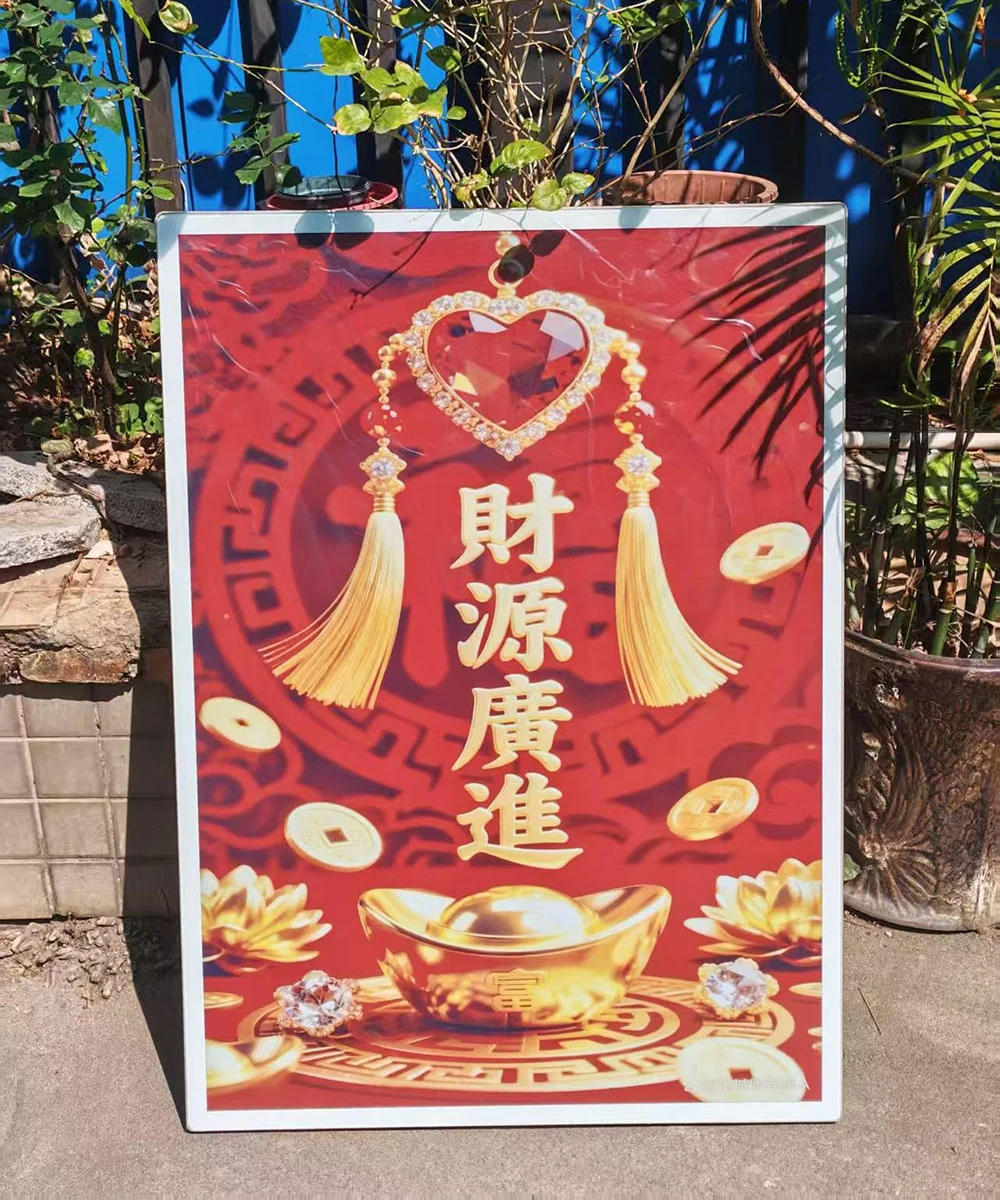
A1-format project display
Canvas A1 · 40.5
AES-4050V
Project quotationA1 posters, reception areas and commercial information
3060 × 4320 · 131 ppi
View specifications For walls that should inform without glowing: lobby posters, retail boards, room signs and art walls. Spectra 6 color displays from 3.7 to 40.5 inches, quoted as samples or projects.
Color E-Ink is a reflective display: it shows a still image using ambient light, like paper, and keeps that image without continuous panel power. That makes it a strong replacement for printed posters and notices that change daily, weekly or seasonally, especially where there is no convenient power outlet.
It is not a replacement for video walls. If the content moves, LCD is still the right screen. Our color E-Ink vs LCD signage guide compares the two in detail.
Start from the wall and the content, then pick the format. Every model can be evaluated as a sample before a project order.
Replace printed A1, A2 and A3 posters that change weekly or seasonally. The paper-ratio formats match existing poster frames and artwork, and the screen does not glow in a quiet interior.
AES-4050V
Project quotationA1 posters, reception areas and commercial information
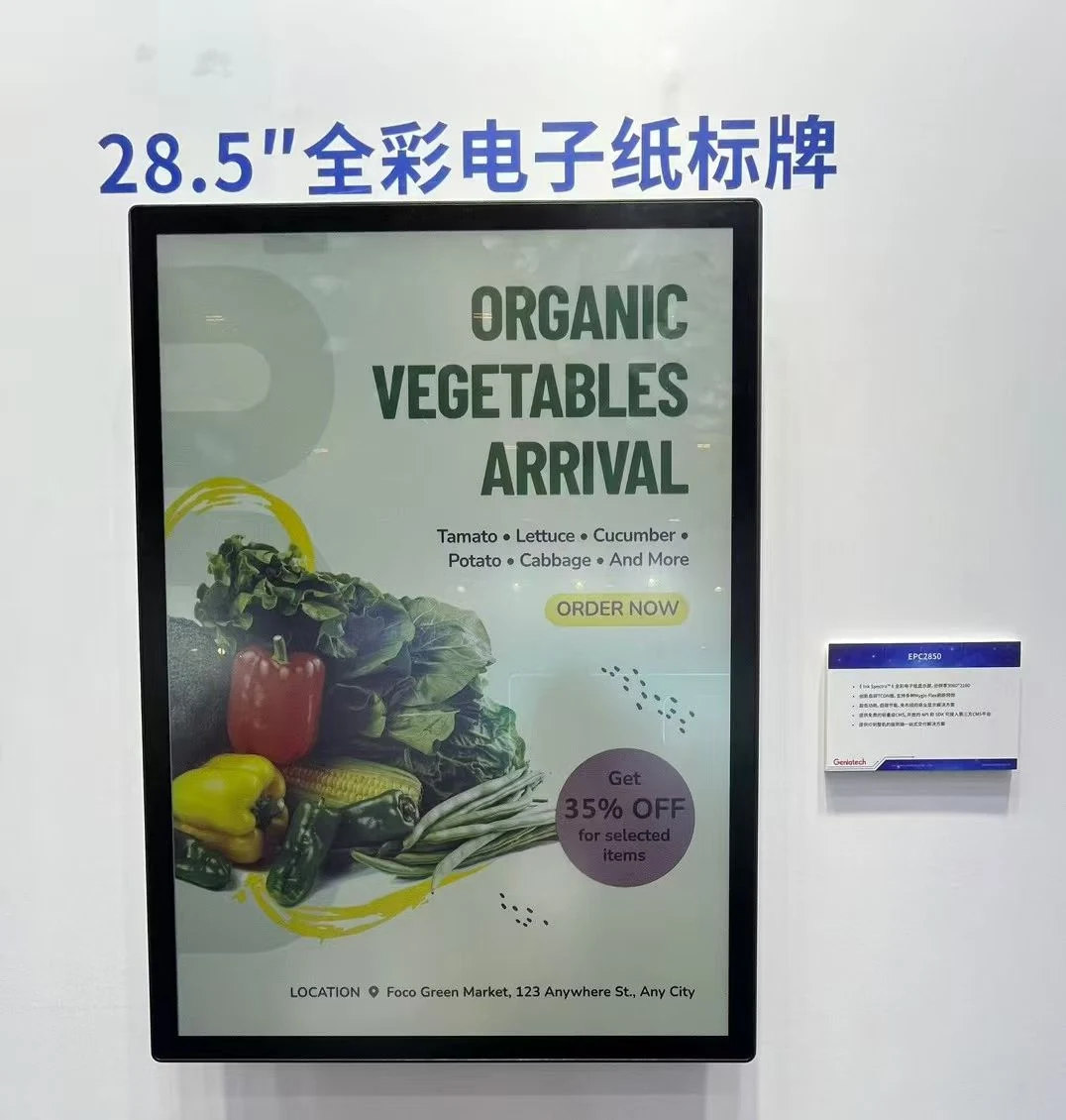
AES-2850V
Sample / project quotationHotel lobbies, gallery information and A2 retail posters
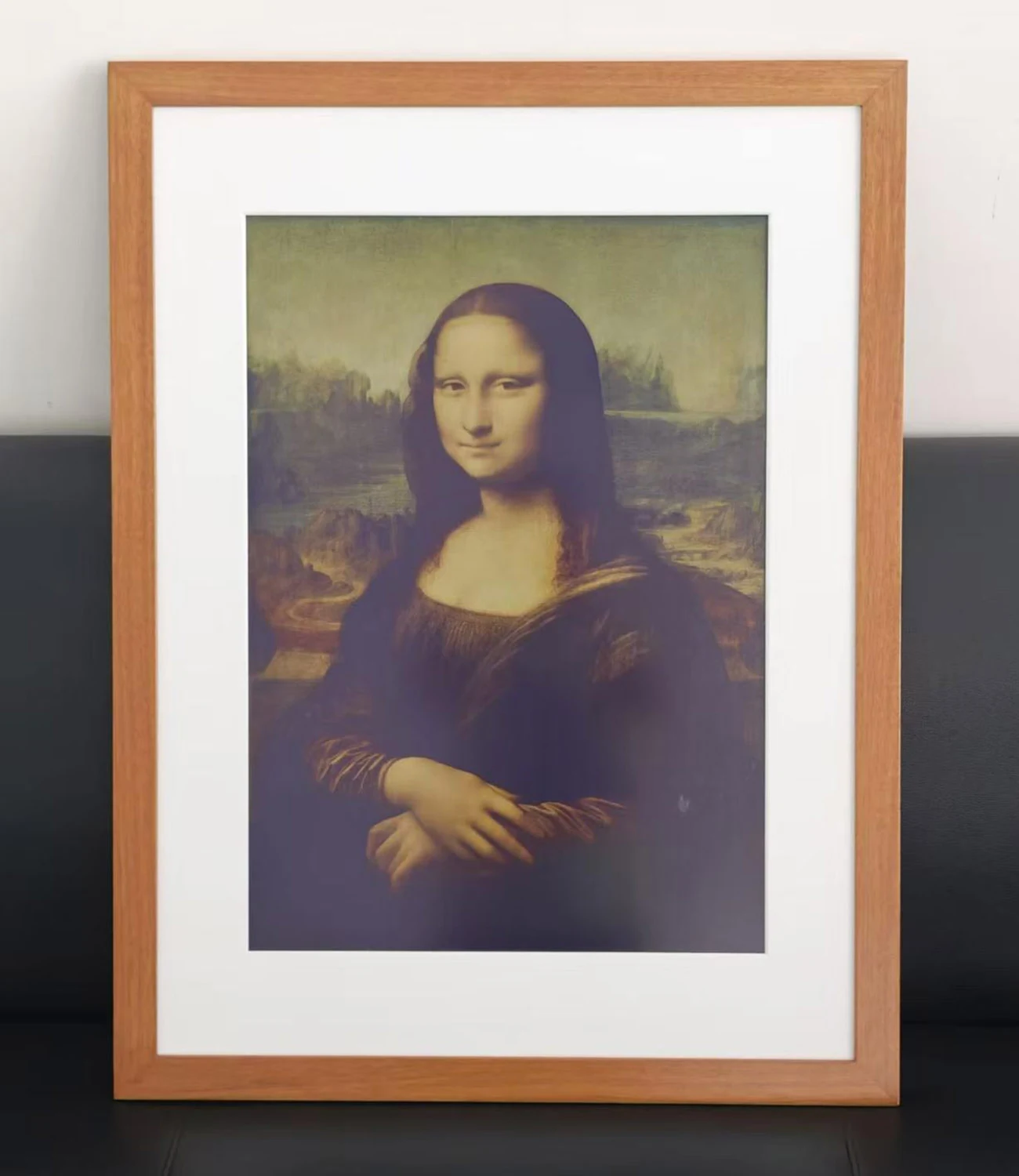
AES-2020V
Sample; batch timing to confirmA3 posters, reception areas and commercial information
Promotions, wayfinding, menus and notices that update a few times a day rather than every few seconds. Choose the landscape 31.5″ where a TV-shaped board is expected, or A2 for portrait posters.
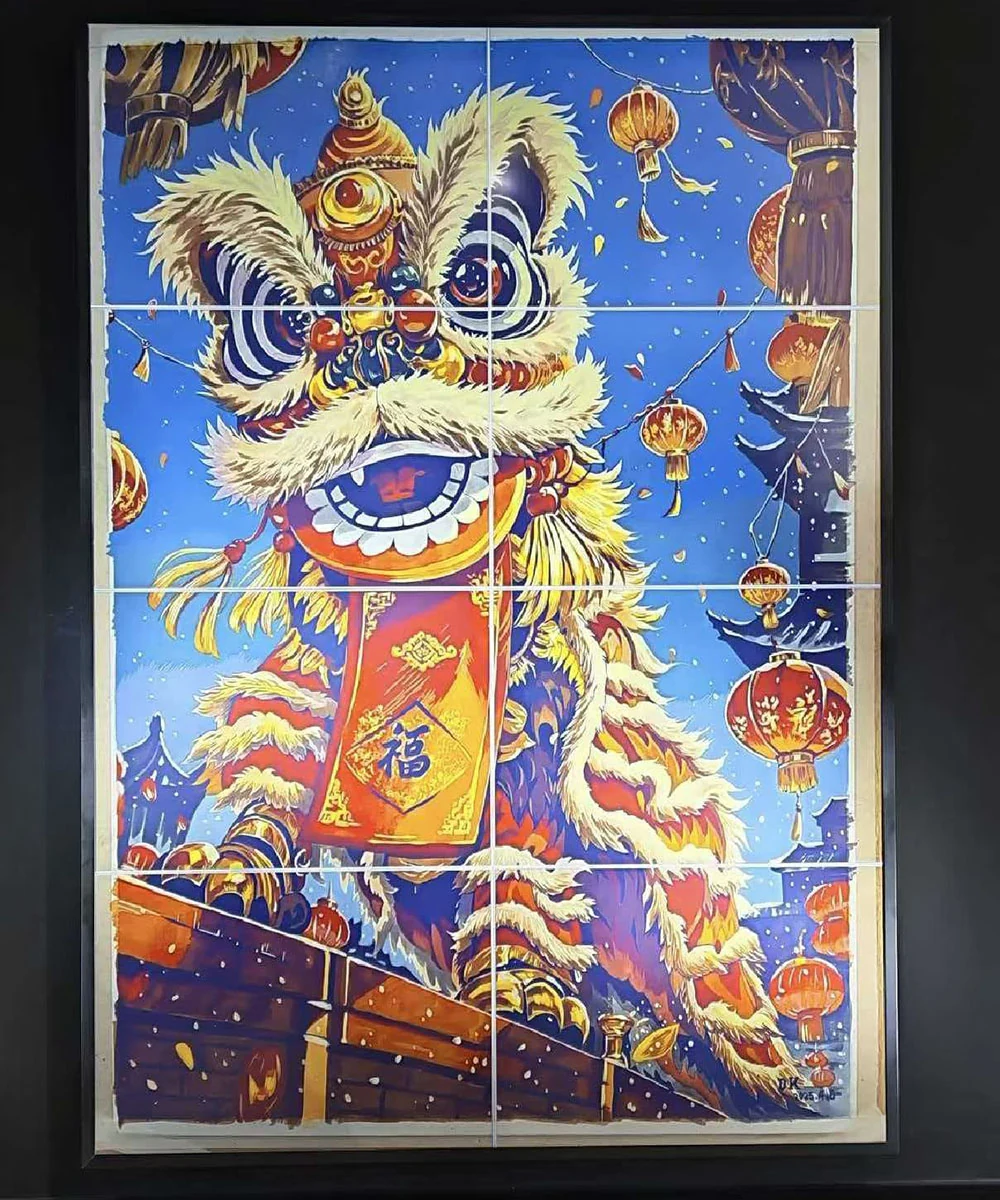
AES-3150V
Sample / project quotationLandscape information boards, retail and branded interiors
AES-2850V
Sample / project quotationHotel lobbies, gallery information and A2 retail posters
Small magnetic tags and badges for room names, door signs and staff identification, plus a dual-screen desk calendar for reception counters. These update over Bluetooth from a phone app.
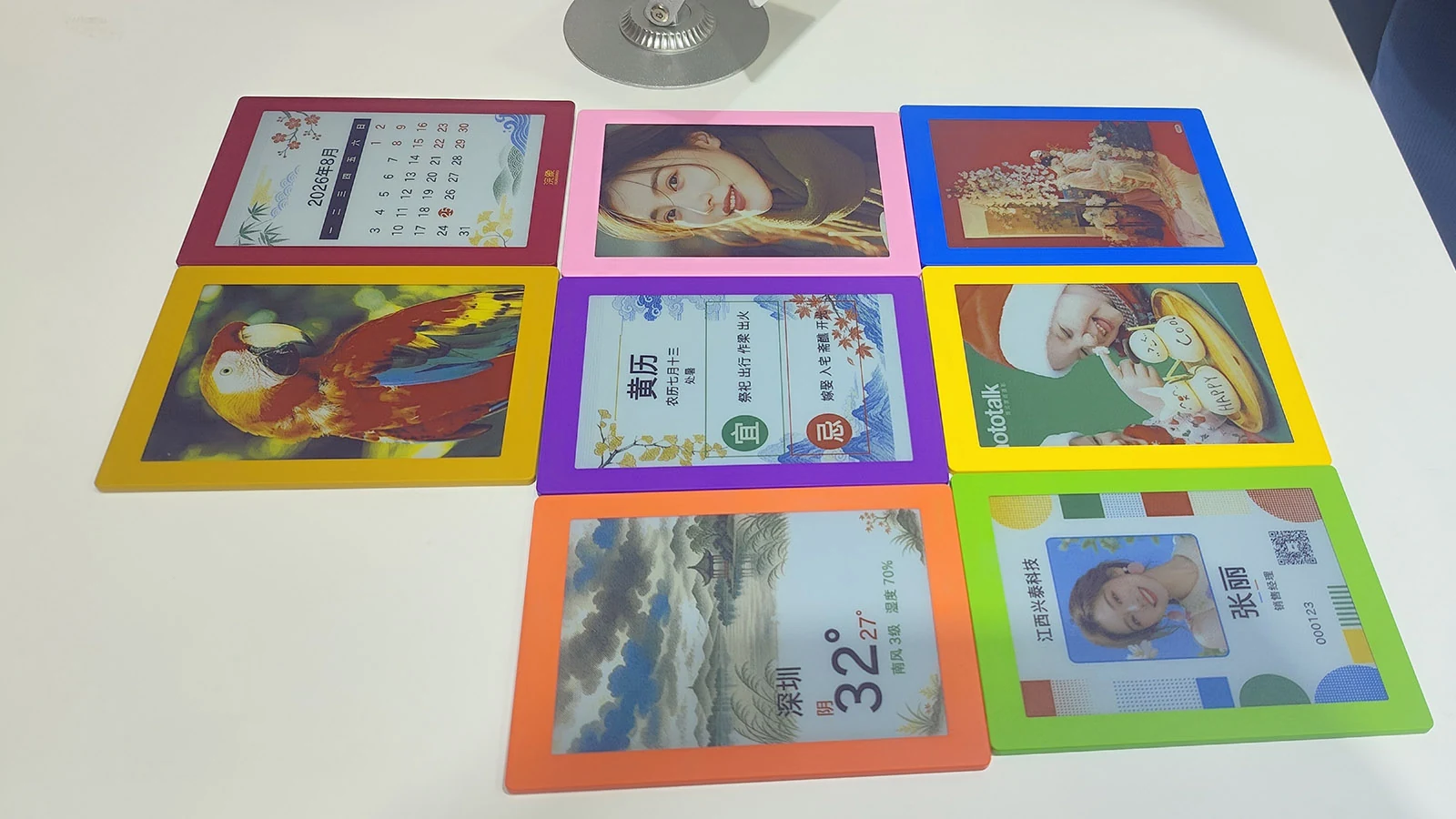
AES-0589V
Sample schedule to confirmMagnetic photo tiles, door signs and small displays
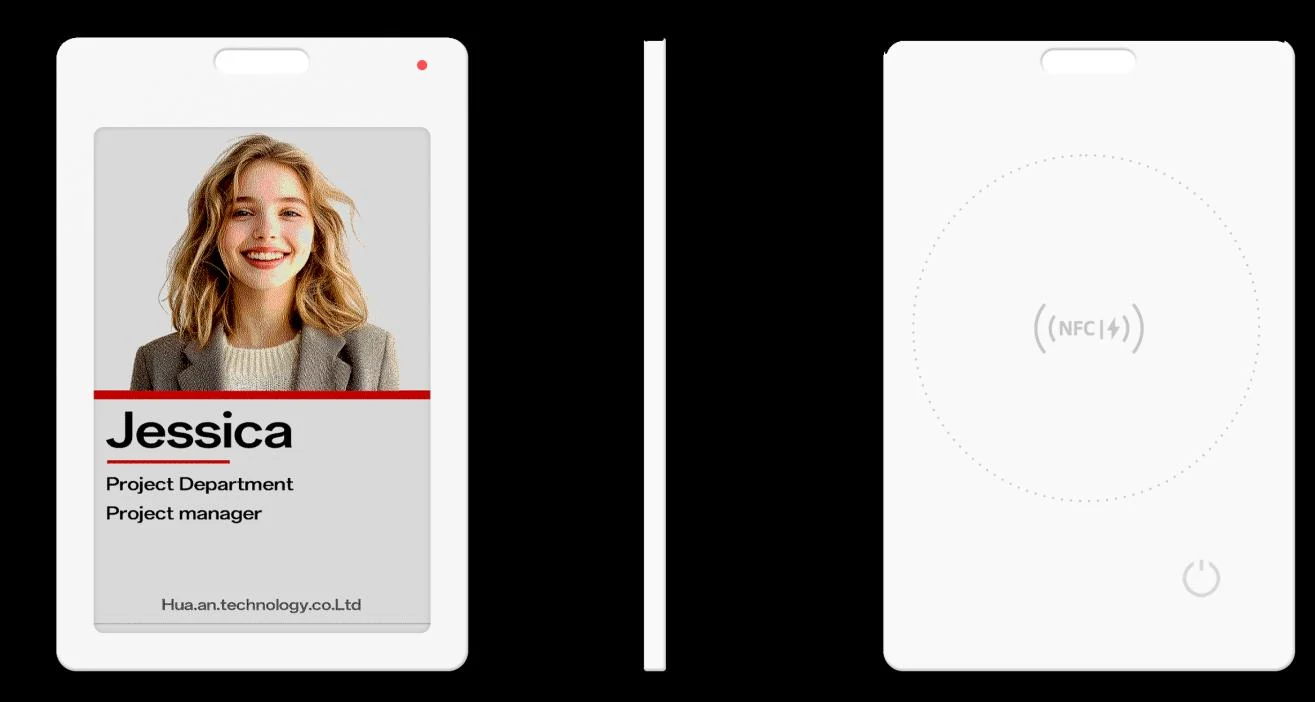
AES-0370V
Sample / project quotationStaff badges, events and magnetic information tiles
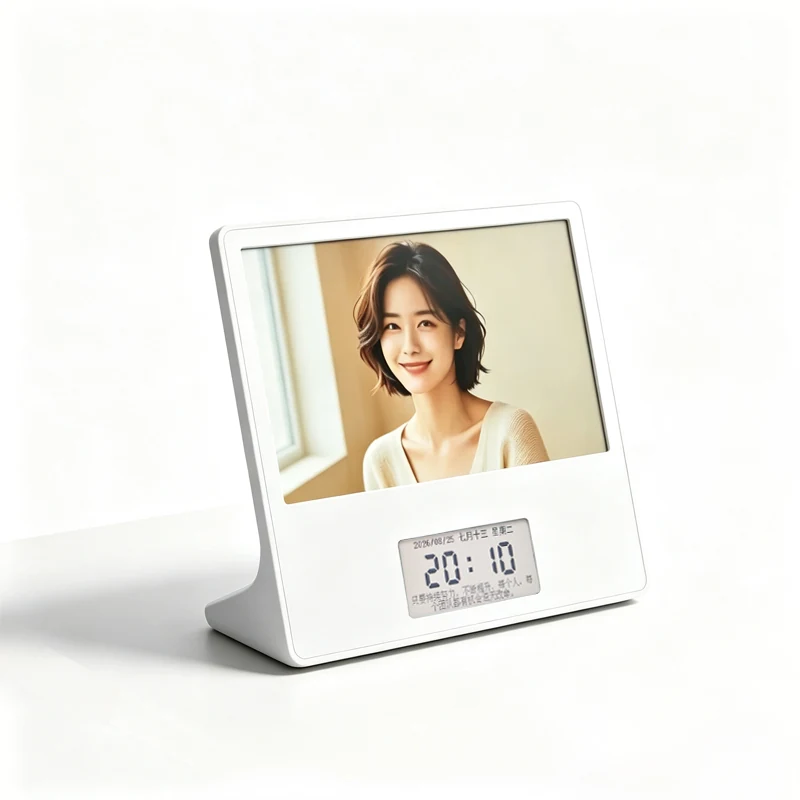
AES-0750V
Sample / project quotationReception desks, office accessories and corporate gifts
A finished 13.3″ aluminium frame for rotating artwork, brand imagery and small pilot deployments, with Wi-Fi image push and TF-card import.
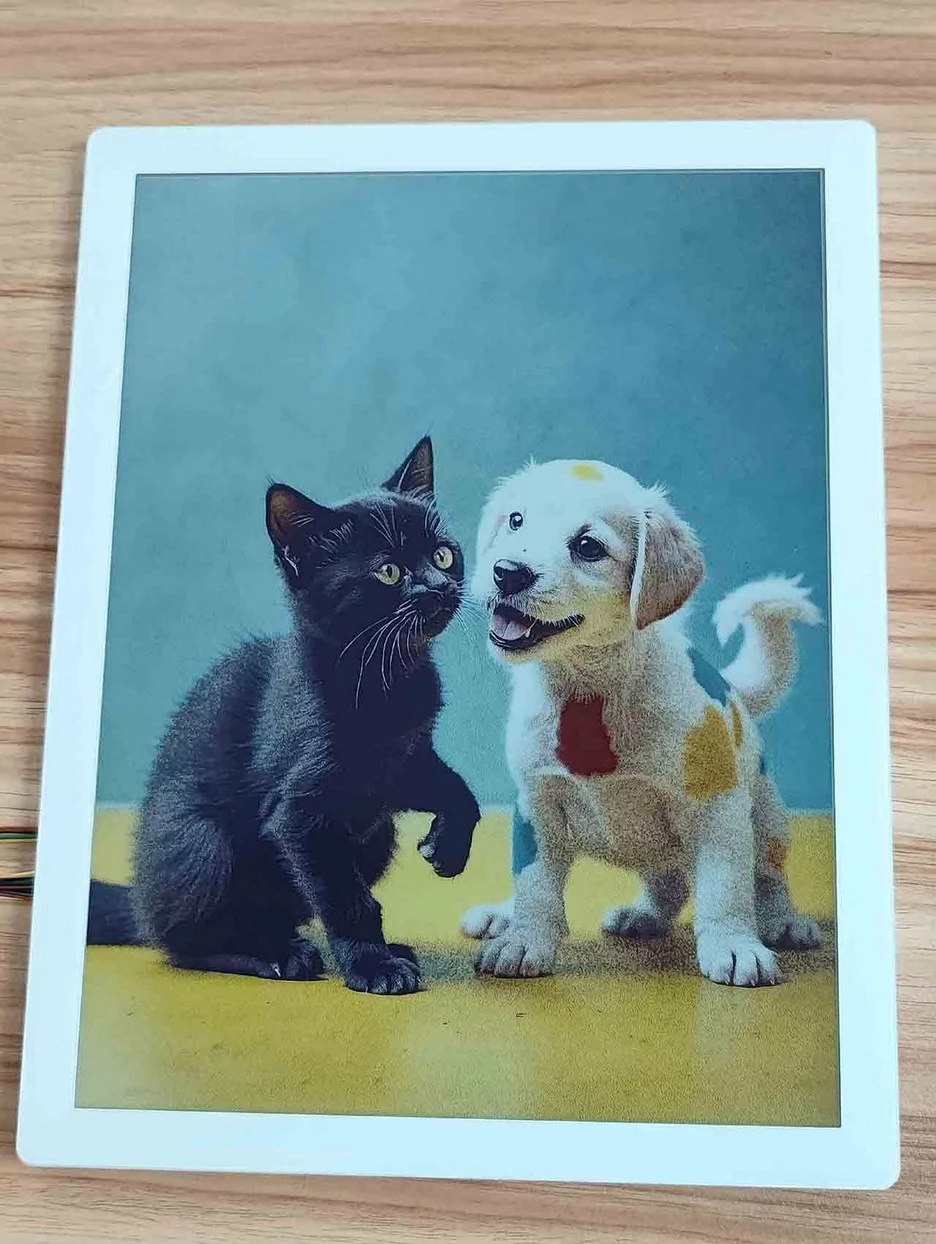
AES-1330CNC
Sample / project quotationArt displays, branded spaces and small pilot deployments
The 5.89″ magnetic tag and the 3.7″ badge show room names, team names, fixed timetables and notices, and are updated from a phone app over Bluetooth. They run on small rechargeable batteries with Qi charging, so no cabling is needed at the door.
Live booking status pulled from Outlook, Google Calendar or a room-booking system is not a standard feature. It requires a gateway workflow and integration that we scope, demonstrate and quote as a separate project option.
| Room name, door sign, notices | Standard: Bluetooth phone app |
|---|---|
| Fixed weekly timetable | Standard: update the image when it changes |
| Many signs from one place | Project option: gateway workflow |
| Live calendar booking status | Project option: integration scoped separately |
Battery life depends on how often the image changes and how the wireless connection is used. Confirm the configuration for your schedule before ordering.
| Model | Size · resolution | Power | Image updates |
|---|---|---|---|
| Canvas A1 · 40.5AES-4050V | 40.5″ · 3060 × 4320 | External battery pack or mains, by configuration | Project firmware and content-update workflow agreed at demonstration |
| Canvas A2 · 28.5AES-2850V | 28.5″ · 2160 × 3060 | External battery pack or mains, by configuration | Remote image update workflow confirmed with the project firmware |
| Canvas A3 · 20.2AES-2020V | 20.2″ · 1530 × 2160 | External battery pack or mains, by configuration | Project firmware and content-update workflow agreed at demonstration |
| Canvas 31.5AES-3150V | 31.5″ · 2560 × 1440 | External battery pack or mains, by configuration | Remote image update workflow confirmed with the project firmware |
| Canvas 13.3 CNCAES-1330CNC | 13.3″ · 1600 × 1200 | 5,000 mAh rechargeable battery; 10,000 mAh option | Wi-Fi image push and TF-card image import |
| Canvas 5.89 TagAES-0589V | 5.89″ · 960 × 680 | 350 mAh rechargeable battery; Qi charging | Bluetooth 5.1 phone app; gateway workflow by project |
| Canvas Calendar 7.5AES-0750V | 7.5″ · 1024 × 600 + 296 × 128 | 1,500 mAh; USB-C, 5 V / 1 A charging | Bluetooth 5.3 phone app; no Wi-Fi setup |
Scheduling, device groups, CMS and API/SDK integration are scoped by model and project. Only demonstrated and agreed functions are included in delivery.
| Color E-Ink | LCD | |
|---|---|---|
| Look in the room | Reflective, paper-like, no glow | Bright, backlit, draws attention |
| Content | Still images, a few changes a day | Video, animation, live feeds |
| Power at the wall | Battery or mains, by model | Mains power required |
| Daylight readability | Improves with ambient light | Needs high brightness |
| Best fit | Posters, notices, art, door signs | Advertising loops, menus with motion |
Wall, content, size and power for each location.
Your artwork on a sample; refresh and update method.
Quantity, software scope, warranty and delivery.
Production, shipping and installation plan.
No. Color E-Ink shows still images and redraws the whole screen in several seconds, with a visible refresh. It suits content that changes a few times a day or less. Use LCD where video, motion or rapid slideshows are required.
Not always. The panel holds an image without continuous power, so smaller models run on rechargeable batteries. The large A1, A2, A3 and 31.5″ displays use an external battery pack or mains power, chosen per project. Controllers and wireless connections still use some power, so battery life depends on how often the image changes.
Not as a standard feature. Door tags and badges update from a phone app over Bluetooth, which suits room names, fixed schedules and notices. Live room-booking status from a calendar system needs gateway and integration work that is scoped as a separate project option.
It depends on the model. The 13.3″ frames support Wi-Fi image push and TF-card import; the small tags use a Bluetooth phone app; large displays use a remote update workflow confirmed with the project firmware. Scheduling, device groups, CMS and API integration are project options, included only when demonstrated and agreed.
Request a sample or a project quote with the model, quantity and destination. Test your own artwork on the sample, confirm the update method and installation, then agree the deployment configuration.
Share the locations, content and quantity. We will suggest models and the next evaluation step.